Windows
Windows 10 / 11 · x64
Vivipilot Desktop · v0.1.9
Choose your platform
Free DesktopWindows 10 / 11 · x64
Apple silicon · Intel
x86_64 · Available now
curl -fsSL https://downloads.vivipilot.com/install.sh | shBy downloading, you agree to the terms.
SHA-256 checksumsFull editor
The timeline, inspector, assets, Agent, preview, and export pipeline live in one desktop workspace.
Local first
Creating or opening a local project does not upload it. Your assets, edits, and renders remain on your computer.
Connected when useful
Paid plans add managed Agent credits, version history, share previews, and device sync.
Everything remains editable
Vivipilot creates a structured composition—not a flattened AI video. Select an element and change its copy, color, position, timing, camera movement, or animation.
Inside Vivipilot Desktop
Follow the complete Desktop workflow, one step at a time.
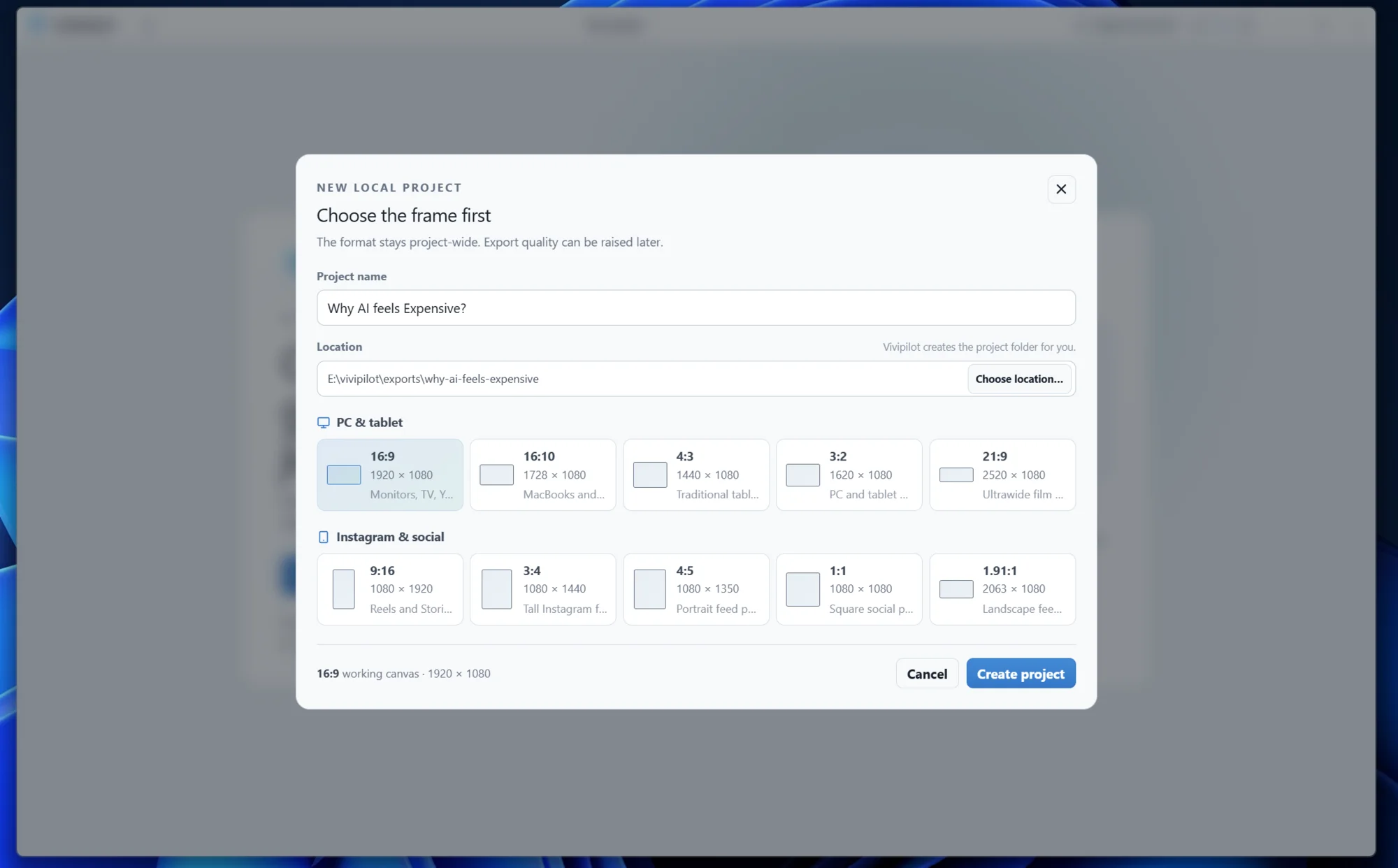
01 · Project setup
Start a local project in the exact format you need—from widescreen explainers to vertical social motion.
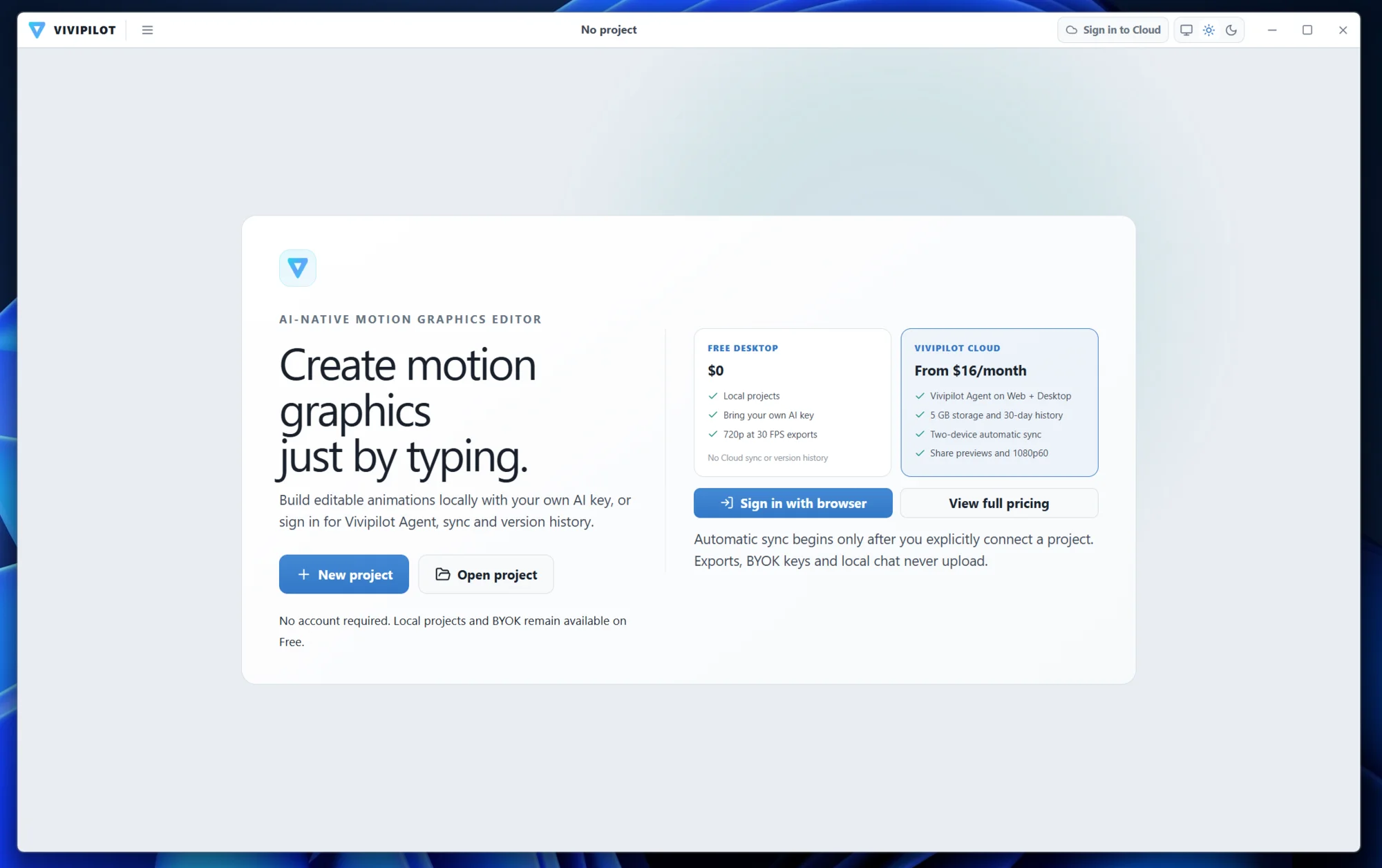
02 · Local or connected
Use a supported provider key locally, or connect a paid Vivipilot account for managed Agent credits and Cloud features.
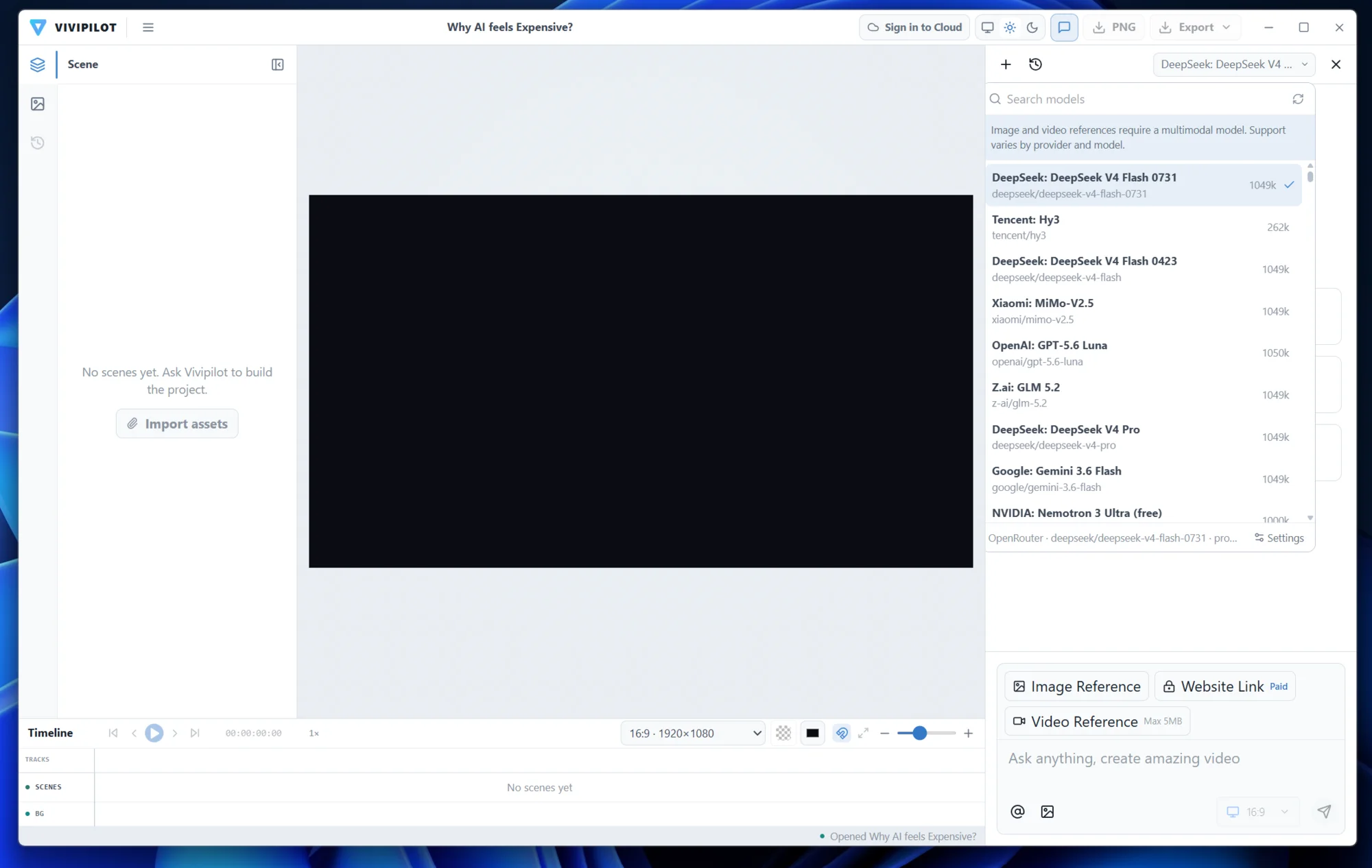
03 · Bring your own key
Choose a supported AI model and add image or video references without leaving the Desktop workspace.
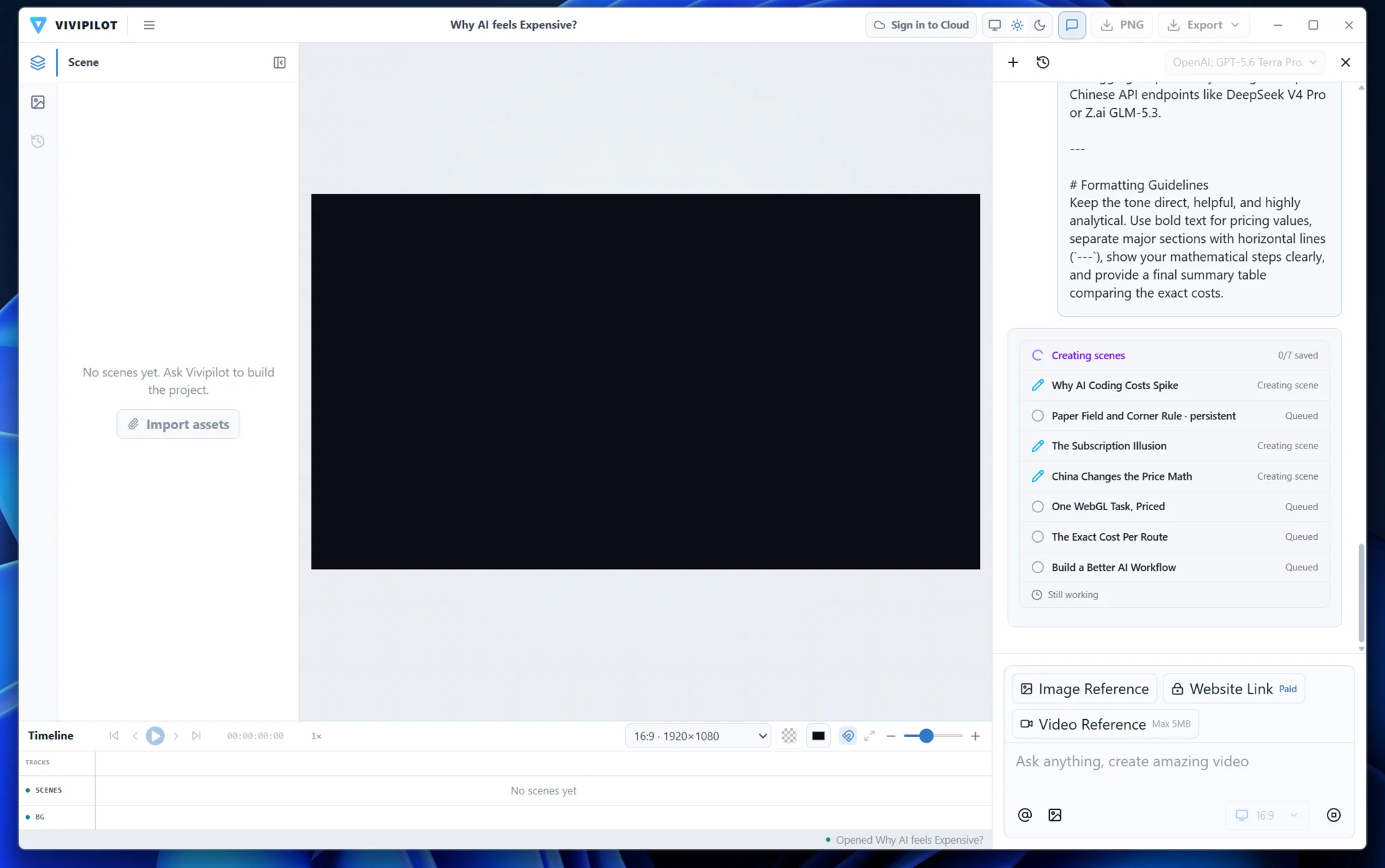
04 · Structured generation
The Agent plans scenes, builds the composition, and keeps progress visible while the project remains editable.
05 · Live preview
Preview the complete motion story against its timeline before you refine or export it.
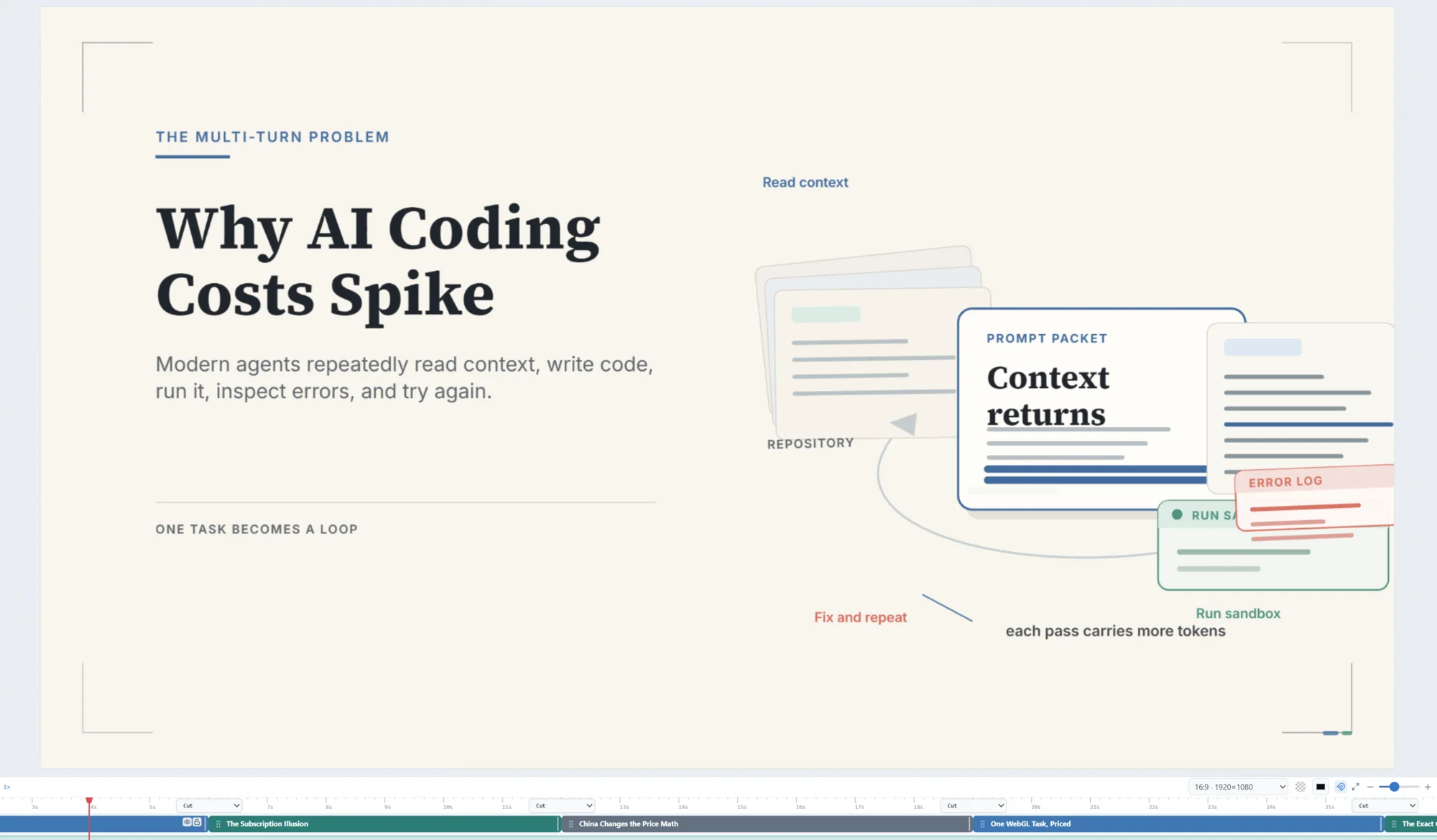
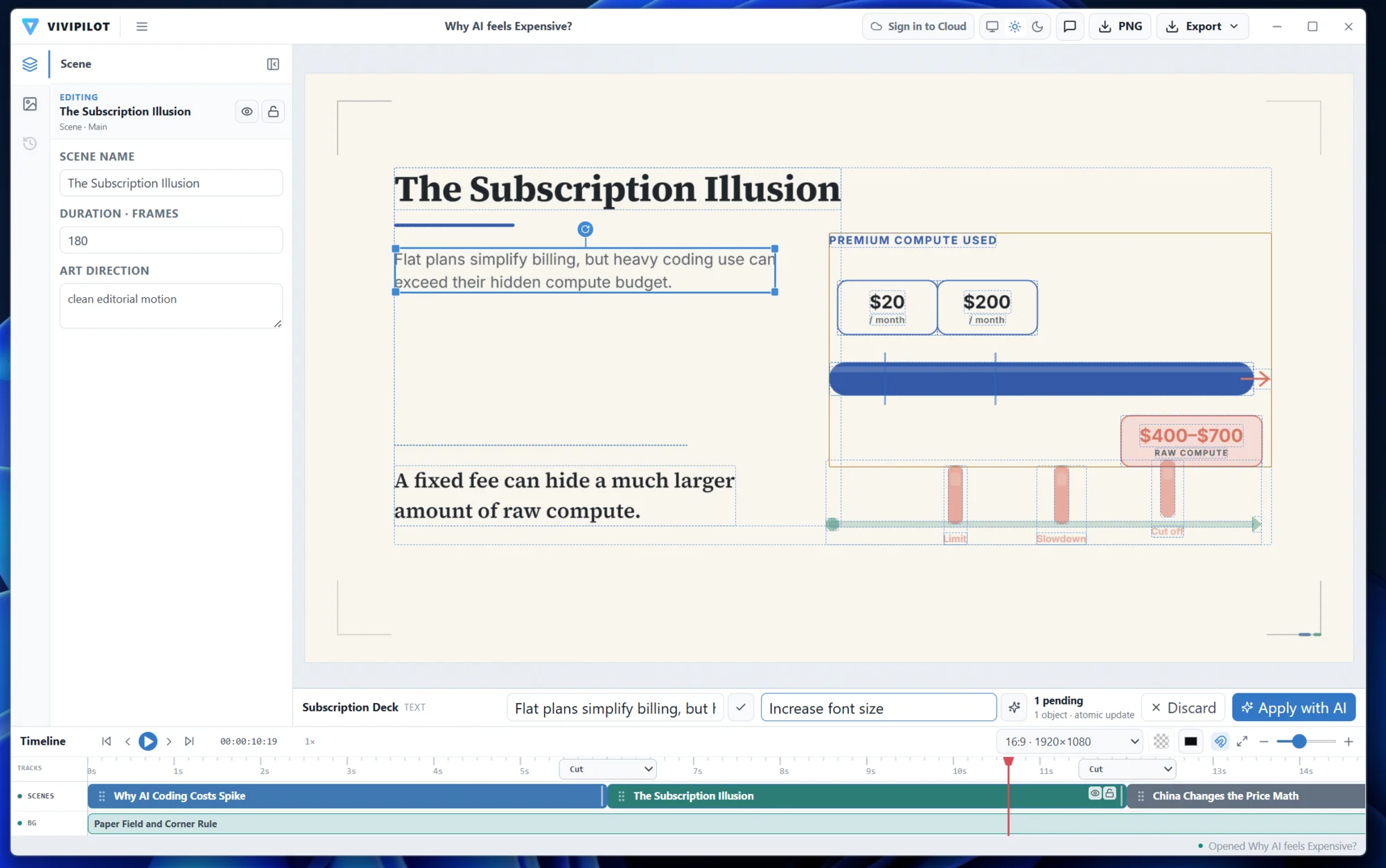
06 · Direct editing
Open scene elements, select a visual directly, and apply precise changes without regenerating the whole video.
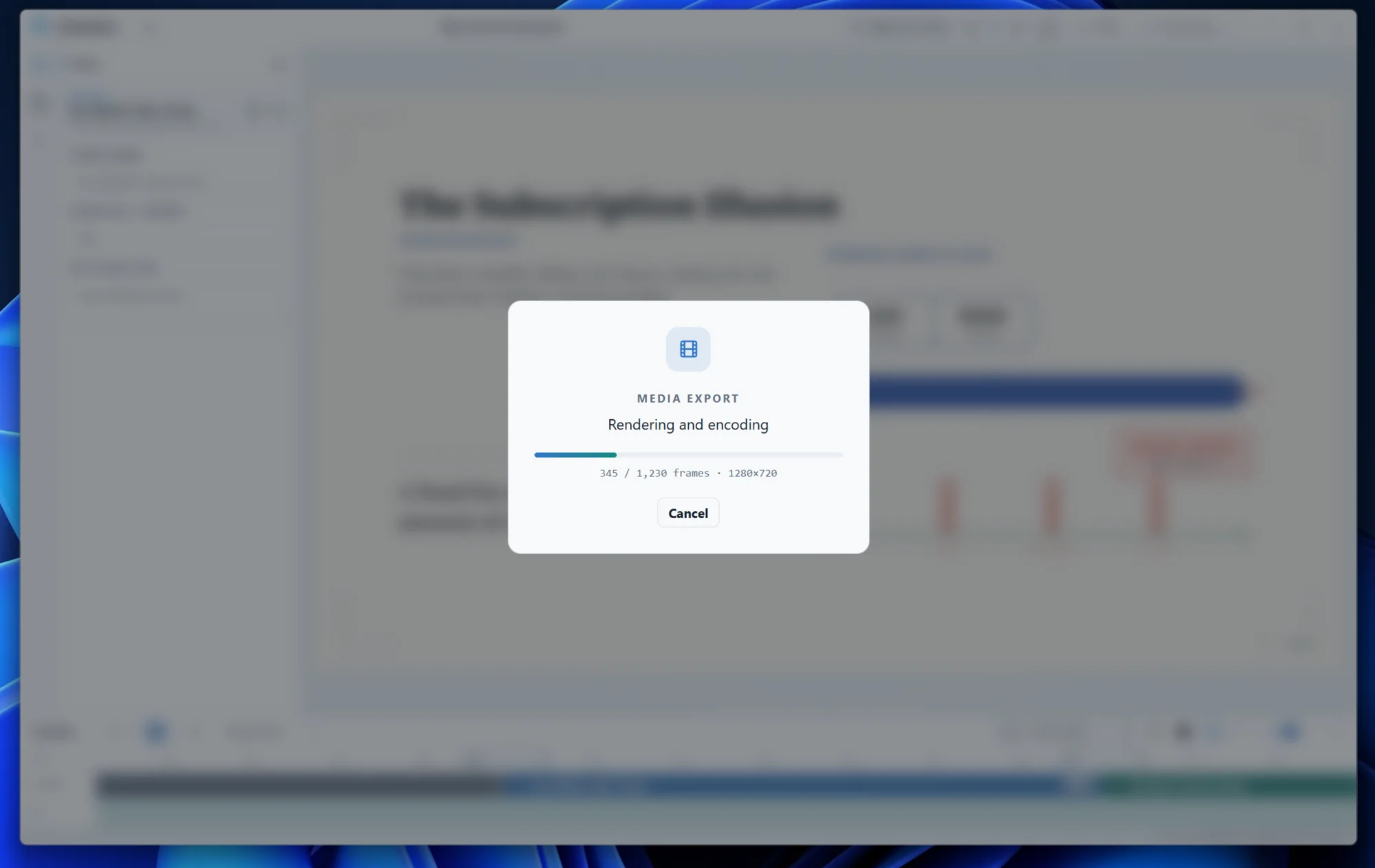
07 · Local export
Encode the project locally with visible frame progress and a clear output destination.
Private by default
Vivipilot Desktop starts local. Nothing is moved to Vivipilot Cloud unless you connect your account and choose to use a Cloud feature.
Connect Desktop
Pair once in your browser. Your subscription, device limit, storage, Agent credits, and sync permissions are then applied in Desktop.
Read the connection guide →Choose Connect to Cloud in Desktop and copy the short pairing code.
Sign in to the correct Vivipilot account and approve this PC.
Use Vivipilot Agent or switch back to BYOK at any time.
Before you install
Explore motion projects, then use the setup guide when your platform build is ready.